Agents are powered by the knowledge graph.
Every research pass, plan, PR, and handoff becomes a typed, linked document. The next agent starts from what the last one learned.
Research, plans, PRs, handoffs. Linked by related, tags, and tickets.
Even on a team of one: the model reads the three documents that matter, not the whole repo.
Every research, plan, or implement skill you run adds to it.
Git by default. Obsidian, Notion, and Anytype supported. How it works →
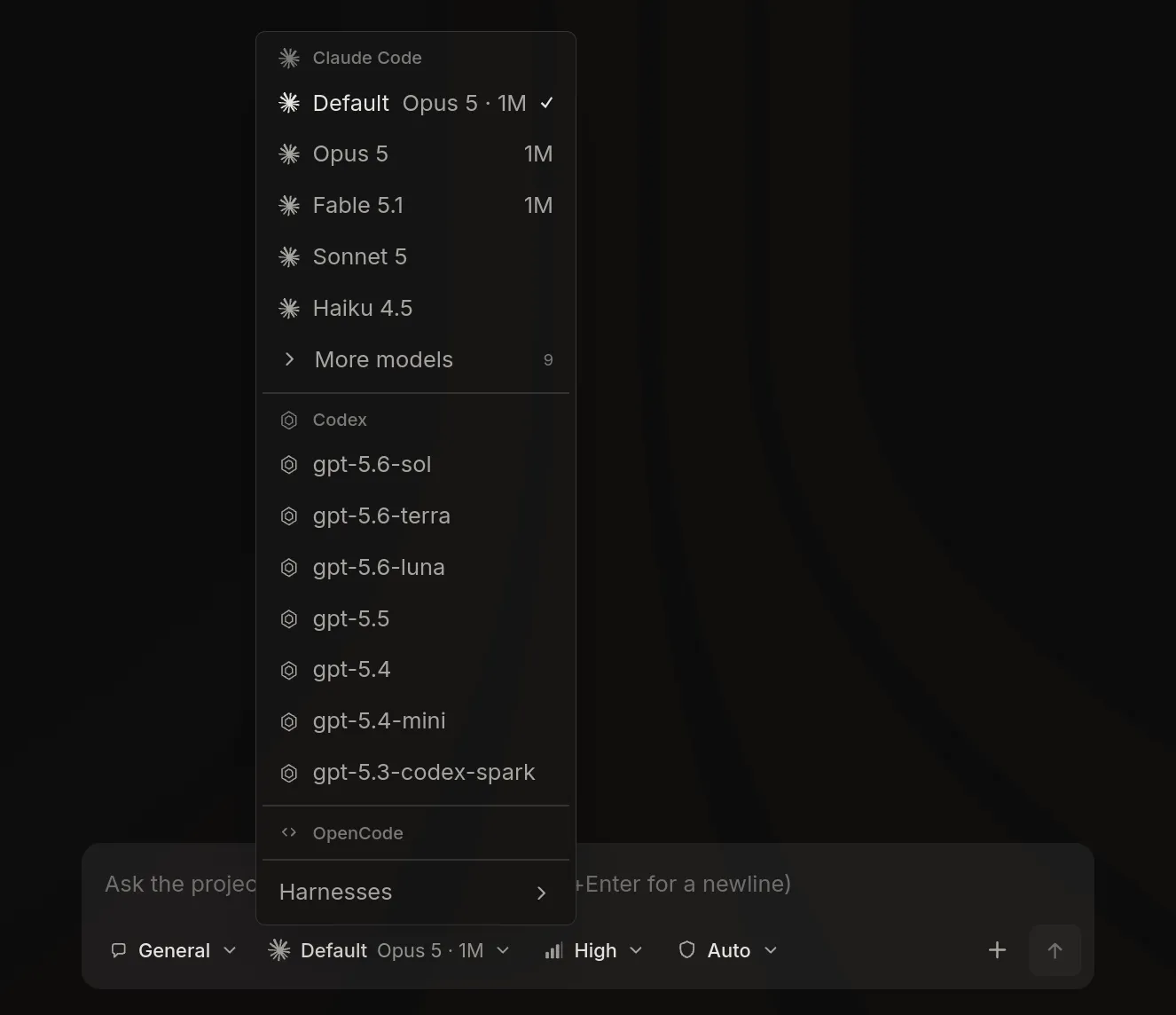
Claude Code, Codex, OpenCode, Ollama. Pick per session, run in parallel.
Its own git worktree, or a branch switch in your checkout.
Stage, commit, push, open the PR. CI status on the button.
Declare which agent runs each step, in what order, and when.
Run Claude Code, Codex, OpenCode, or Ollama, side by side.
Start a workstream on its own worktree or in your checkout. Put a Plan agent on Opus and an Implement agent on Codex, and run both at once.
- ✓Interrupt, resume, rewind
- ✓Permission prompts and every tool call in the UI
- ✓Same engine in the CLI
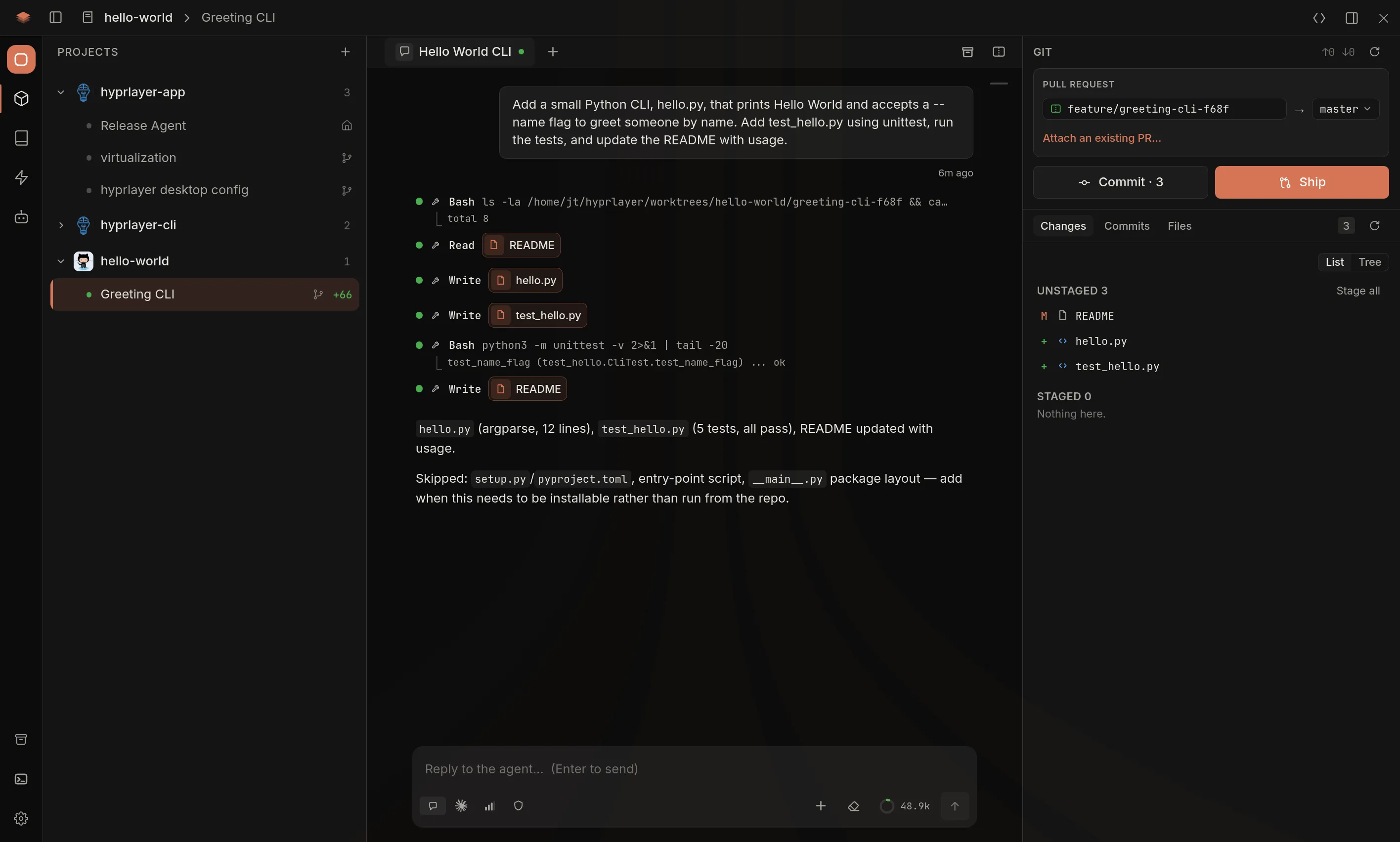
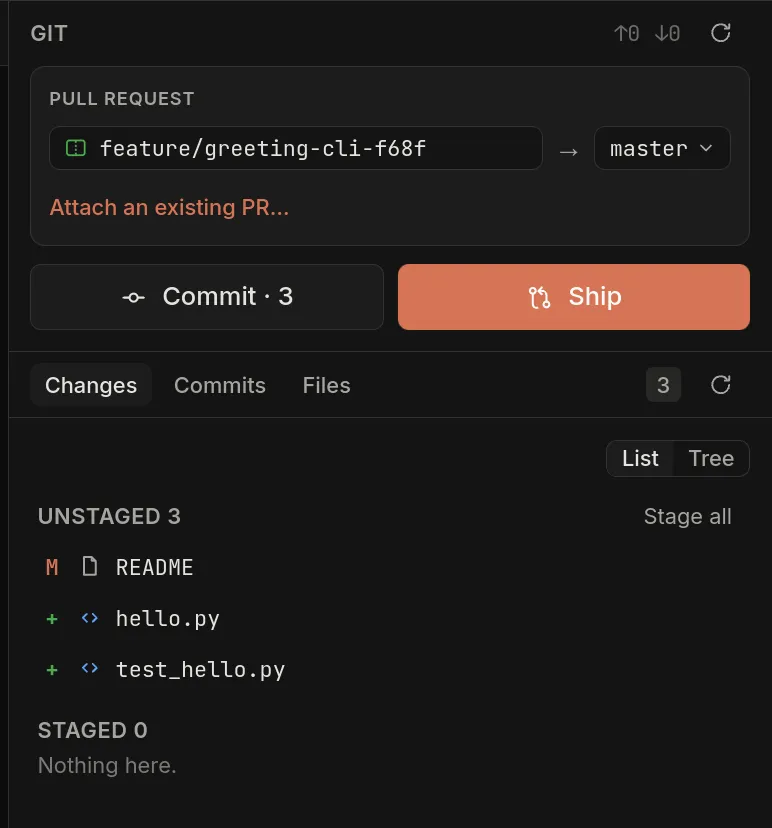
Commit, push, and open the PR without leaving the workstream.
The Git panel shows what the agent changed. Press Ship: it pushes the branch, opens the PR, and tracks CI.
- ✓Side-by-side diffs, staged per file
- ✓The PR description lands next to the plan
- ✓Merge waits on review, like any other PR
A declarative language for writing skills.
Which agents run, in what order, on what input, under what condition. Data, not prose, so a skill runs the same way every time.
orchestration:
  steps:
    - id: context-map
      requires: [decompose]
      fanout: cartographer
      over: areas
      ask: [how-it-works, what-it-connects-to, conventions, gaps]
      reject: not matches(exact-directories, "/")

    - id: draft
      requires: [approve-outline]
      agent: draughtsman
      given:
        - { value: phase-outline, src: "the outline the user approved" }
      on:
        "BLOCKER:": resolve-with-the-user-then-respawn

    - id: adjudicate
      requires: [draft]
      agent: adjudicator
      retry: { step: draft, max: 1 }
      on:
        "verdict: ship":   proceed-to-save
        "verdict: revise": fix-findings-and-re-run-once
        "verdict: reject": take-the-findings-back-to-the-user

    - id: save
      requires: [adjudicate]
      inline: true
      reject: exists(open-question)

    - id: sync
      requires: [save]
      when: backend == git
      run: hyprlayer thoughts sync
$ hyprlayer orchestrate check SKILL.md
ok    SKILL.md
      claude    ok
      codex     ok

$ hyprlayer orchestrate compile SKILL.md --human
w1:  read-mentioned
w2:  decompose
w3:  context-map, context-history
w4:  read-identified
…
w11: approve-outline
w12: draft
w13: adjudicate
w14: save
w16: iterate

skipped:
  sync — backend == git (unknown)
Each step names its agent, its inputs, and the steps it waits on.
orchestrate check rejects a broken block. compile prints the wave schedule.
One block runs on Claude Code, Codex, and OpenCode.
Built for teams where everyone runs agents.
The plan is a document in the shared repo. Edit it before an agent builds it.
/create_handoff writes what was done and what is open. /resume_handoff picks it up anywhere.
Skills and agents install from one bundle. A change ships to everyone.
Use the terminal, the desktop app, or both.
Skills, agents, thoughts, and HLC checks, from the terminal.
Workstreams, sessions, diffs, Git, and the graph in one window.
macOS, Windows, and Linux.
macOS and Windows update in place. Linux updates through your package manager.